 Screens
Tilt screenshots in 3D
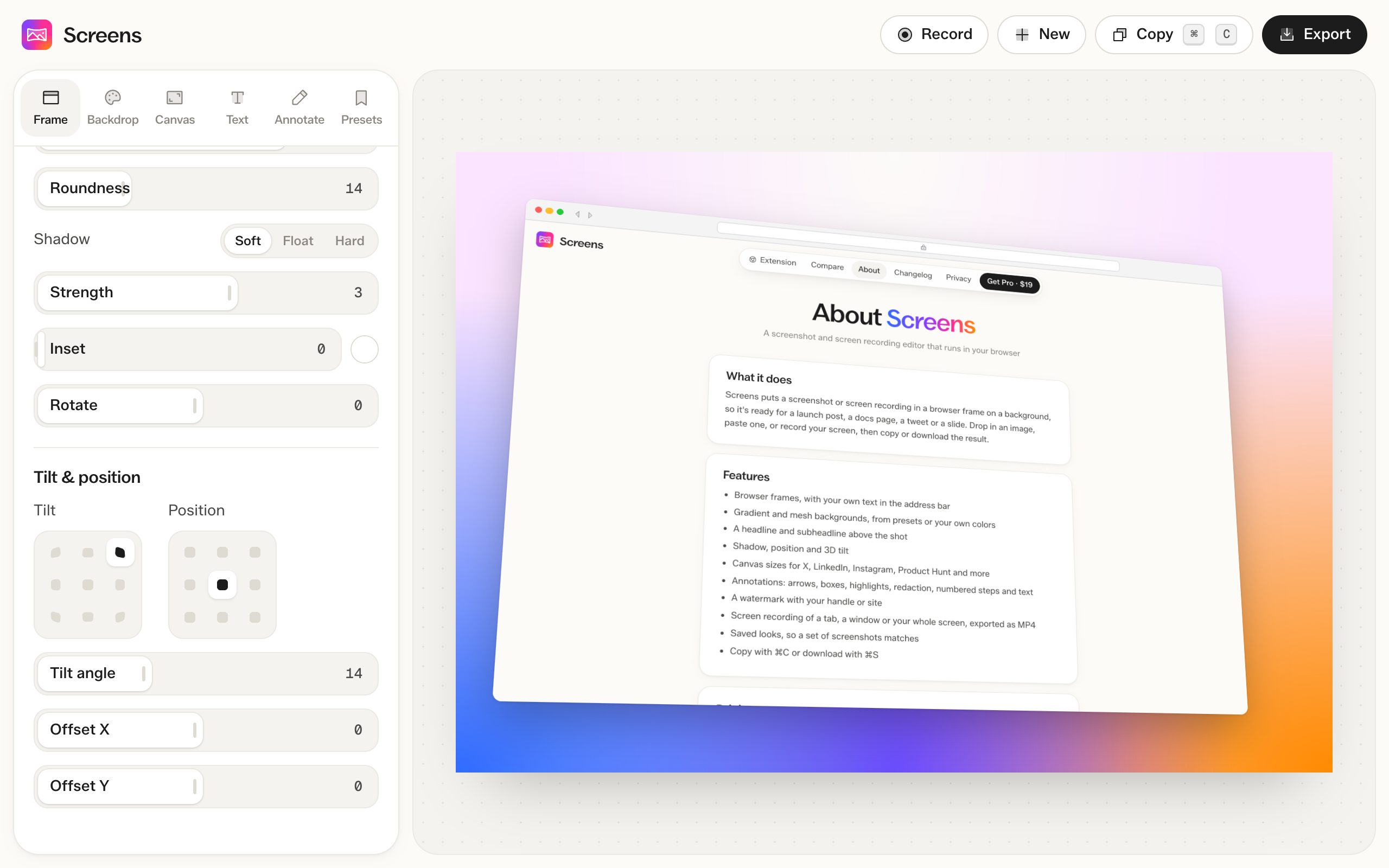
Tilt the screenshot toward any of 8 directions, set the angle, and move it around the canvas.
How to do it
- Open a screenshot and go to the Frame tab.
- Under Tilt, click the direction you want the screenshot to lean.
- Change the tilt angle, from 0 to 40 degrees.
Position
Place the screenshot in any of 9 spots on the canvas, then nudge it with the X and Y offsets. Pushing it off one edge works well with tilt.
Free and Pro
3D tilt is free on screenshots. In MP4 exports it needs Pro.
Questions
How do I make it flat again?
Click the center square of the Tilt grid.