 Screens
Add a background to a screenshot
Put your screenshot on a gradient, a solid color or your own image, with an optional pattern or texture.
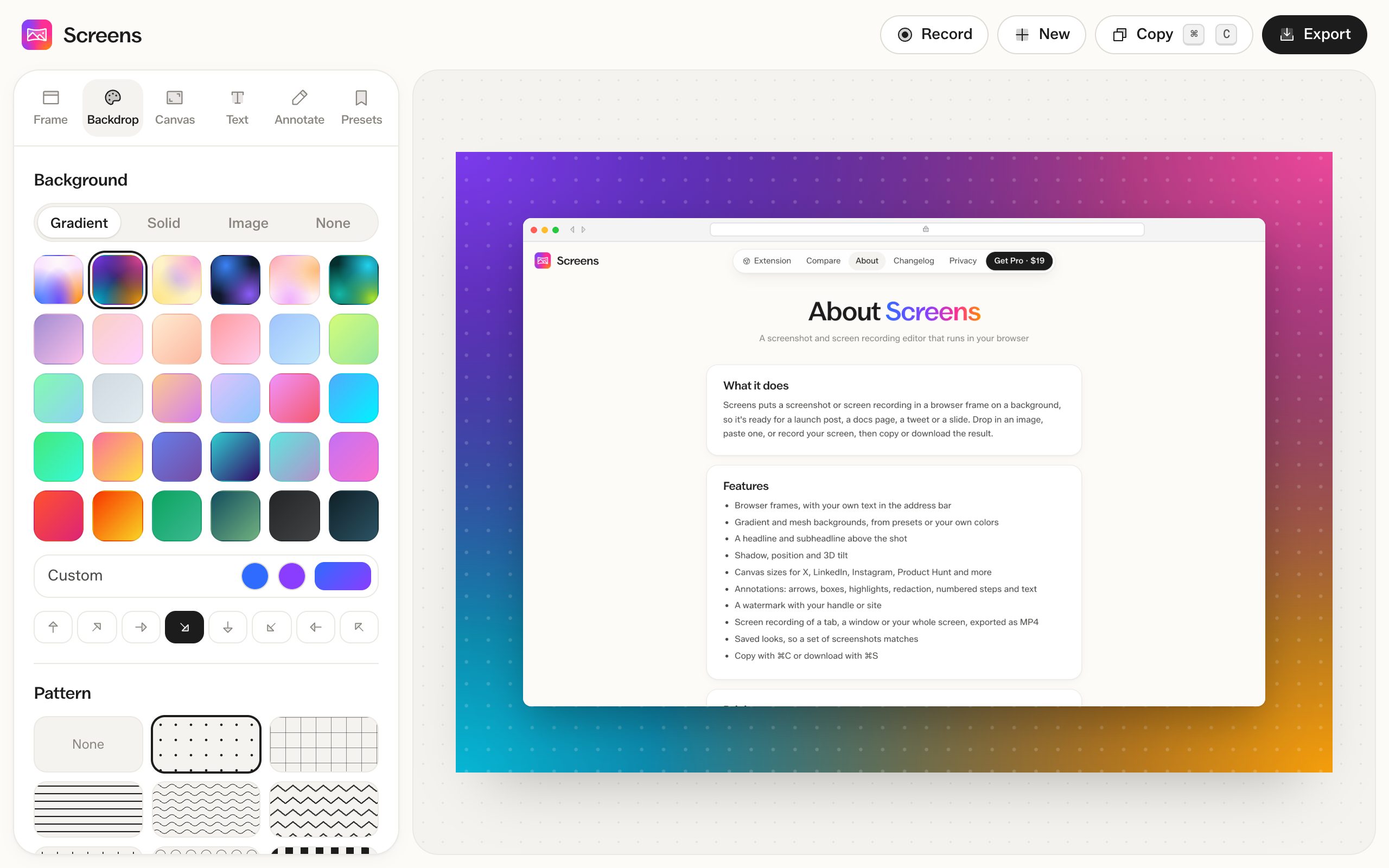
How to do it
- Open a screenshot and go to the Backdrop tab.
- Choose Gradient, Solid, Image or None.
- Add a pattern or texture if you want one.
Gradients
30 presets, from soft mesh gradients to bold ones. Or pick two colors and one of 8 directions for your own.
Solid colors and images
20 preset colors, or any color you choose. Upload an image to use as the background and blur it if it's busy.
No background
Choose None to export a PNG or WEBP with a transparent background.
Patterns and texture
8 patterns: dots, grid, lines, waves, zigzag, plus, circles and checks. Set their size, angle, opacity, color and blend mode. Texture adds a fine grain over the background.
Free and Pro
All backgrounds are free on screenshots. In MP4 exports, patterns, texture and background images need Pro.
Questions
Can I save a background I like?
Yes. Save the whole look as a preset in the Presets tab and use it on the next screenshot.
Can I use my brand colors?
Yes. Pick your own colors for a custom gradient or a solid background.