 Screens
Export PNG, JPG, WEBP, SVG and MP4
Download the result in the format you need, or copy it straight to the clipboard.
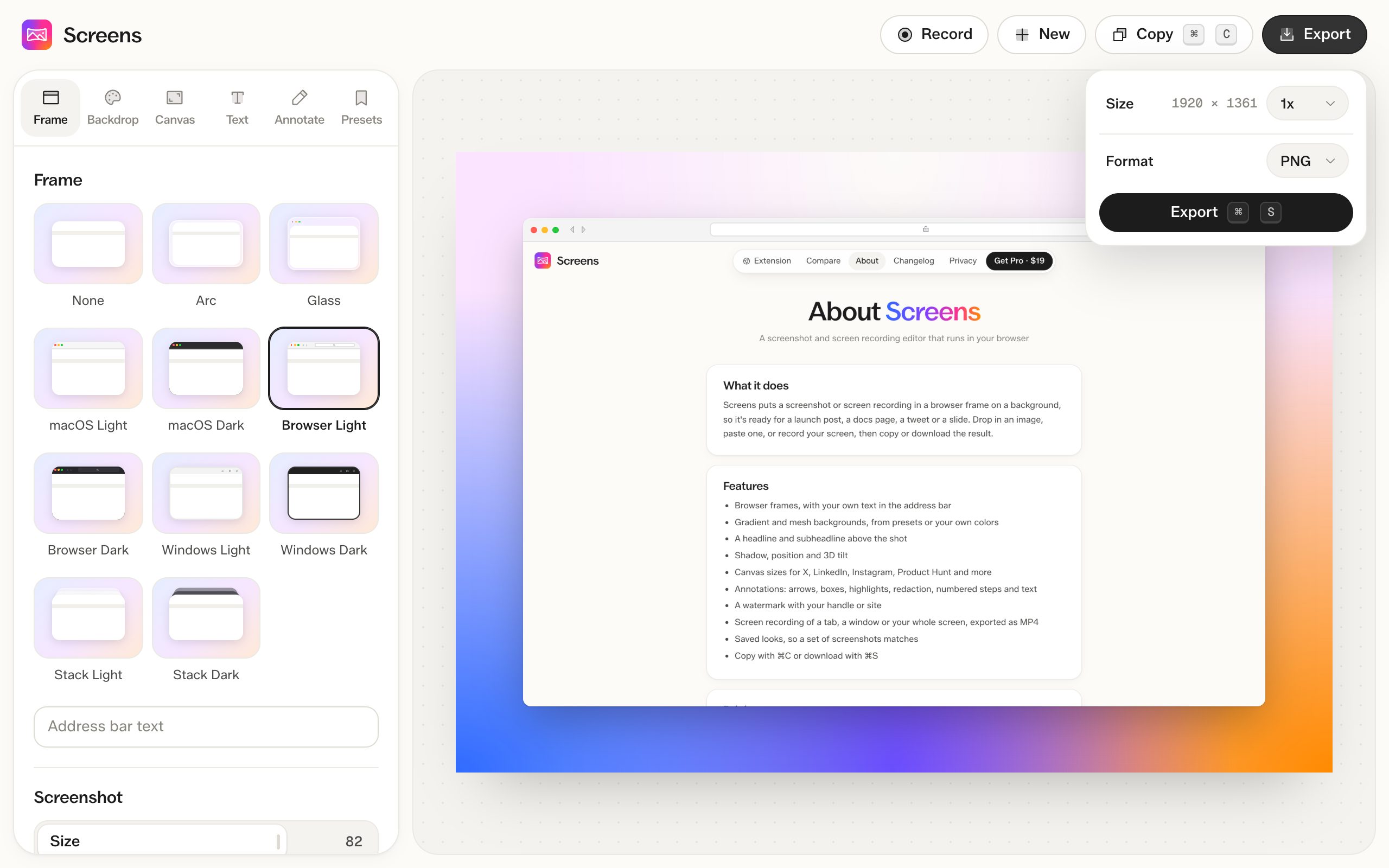
How to do it
- Click Export.
- Choose a size and format.
- Click Export, or press ⌘S (Ctrl+S on Windows). To paste it somewhere instead, click Copy or press ⌘C (Ctrl+C).
Formats
- PNG keeps every pixel and supports transparent backgrounds
- JPG makes smaller files
- WEBP is usually smaller than JPG and supports transparency
- SVG is always exported at 1x
- MP4 for screen recordings
Sizes
Export from 0.5x to 4x. With the Auto canvas, 1x keeps the longest side at 1,920 pixels so files stay small. Exports above 1x are part of Pro.
Questions
Is exporting free?
Yes, at up to 1x, with no watermark on images. 2x to 4x and watermark-free videos need Pro.
Are my images uploaded to export them?
No. Exports are made in your browser.